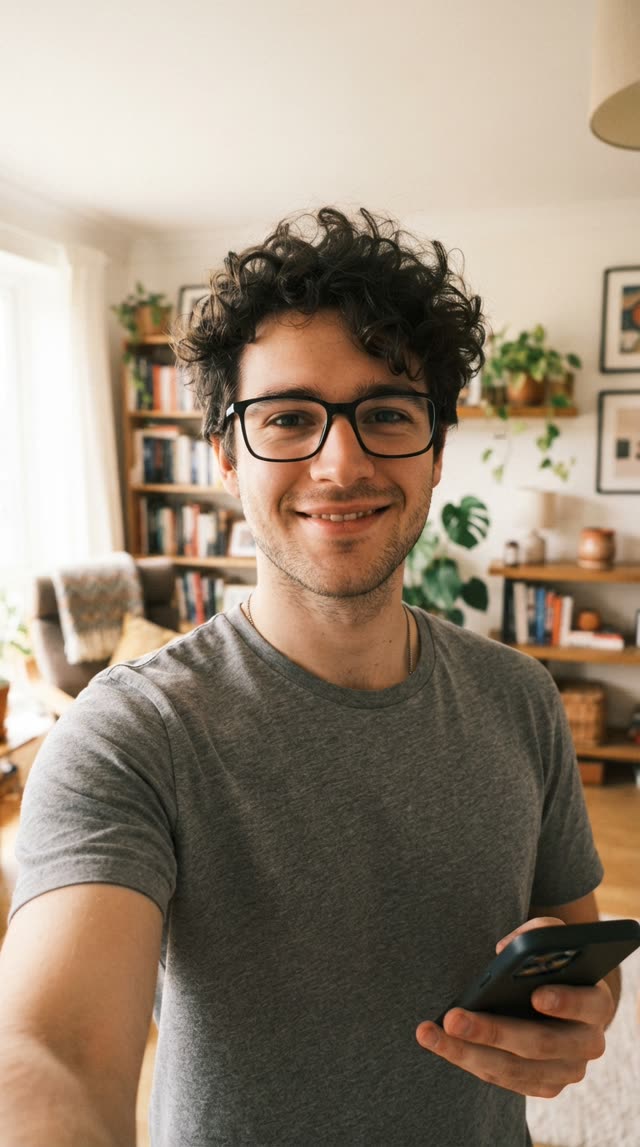
Our skull cap AI generator doesn’t need a prompt: you upload a photo and the before, the cut and the after are already set up. This page is for people who would rather do it themselves in another tool.
The prompt
Use it with an image-to-video model that accepts one reference photo.
Vertical 9:16 video, 10 seconds, of the person in the reference photo. Keep their face, hair and clothes exactly as in the photo.

0-4 s: the person stands facing the camera without a hat, looking a bit awkward and unsure, small fidgety movements, plain everyday mood.

At about 4 s: one hard cut, no transition effect.

4-10 s: the same person, same clothes, now wearing a tight plain black skull cap with no logo. They stare straight into the camera, still and confident, cold expression, slight chin raise.

Same background and lighting in both shots. Realistic, natural skin, no text, no captions, no watermark, no music.
What each part does
- Vertical 9:16, 10 seconds. The shape TikTok, Reels and Shorts use, and enough time for both shots.
- Keep face, hair and clothes. Tells the model not to swap the outfit or drift away from the person between shots.
- 0 to 4 seconds, awkward. The before is the setup. The plainer it is, the harder the after lands.
- One hard cut. The trend uses a straight cut on the beat, not a fade or a morph.
- Plain black skull cap, cold stare. The whole point of the after shot.
- No music, no text. You add the sound and caption when you post.
If the result is off
- No cut, or the cut is in the wrong place: generate the two shots separately and join them in an editor.
- The cap has a logo or the wrong shape: repeat “tight plain black skull cap, no logo” in the second part.
- It doesn’t look like you: change the photo. One person, facing the camera, good light.
If you’d rather not tune prompts, the generator makes the same format from one photo. See how to do the skull cap AI trend for the steps.
Skull cap AI prompt FAQ
Is this the prompt your generator uses?
No. The generator handles that step for you. This prompt is for people who want to make the trend in a general video model.
Which AI video tools can I use this prompt in?
Any image-to-video model that takes a reference photo and a text prompt.
Why does the prompt say “no music”?
The trend sound gets added in TikTok, Reels or Shorts when you post. A silent clip lets you line the beat up with the cut yourself.
The face doesn’t look like me. What do I change?
Usually the photo, not the prompt. Use one person, facing the camera, sharp and well lit, no sunglasses or filters.